Screen Innovations
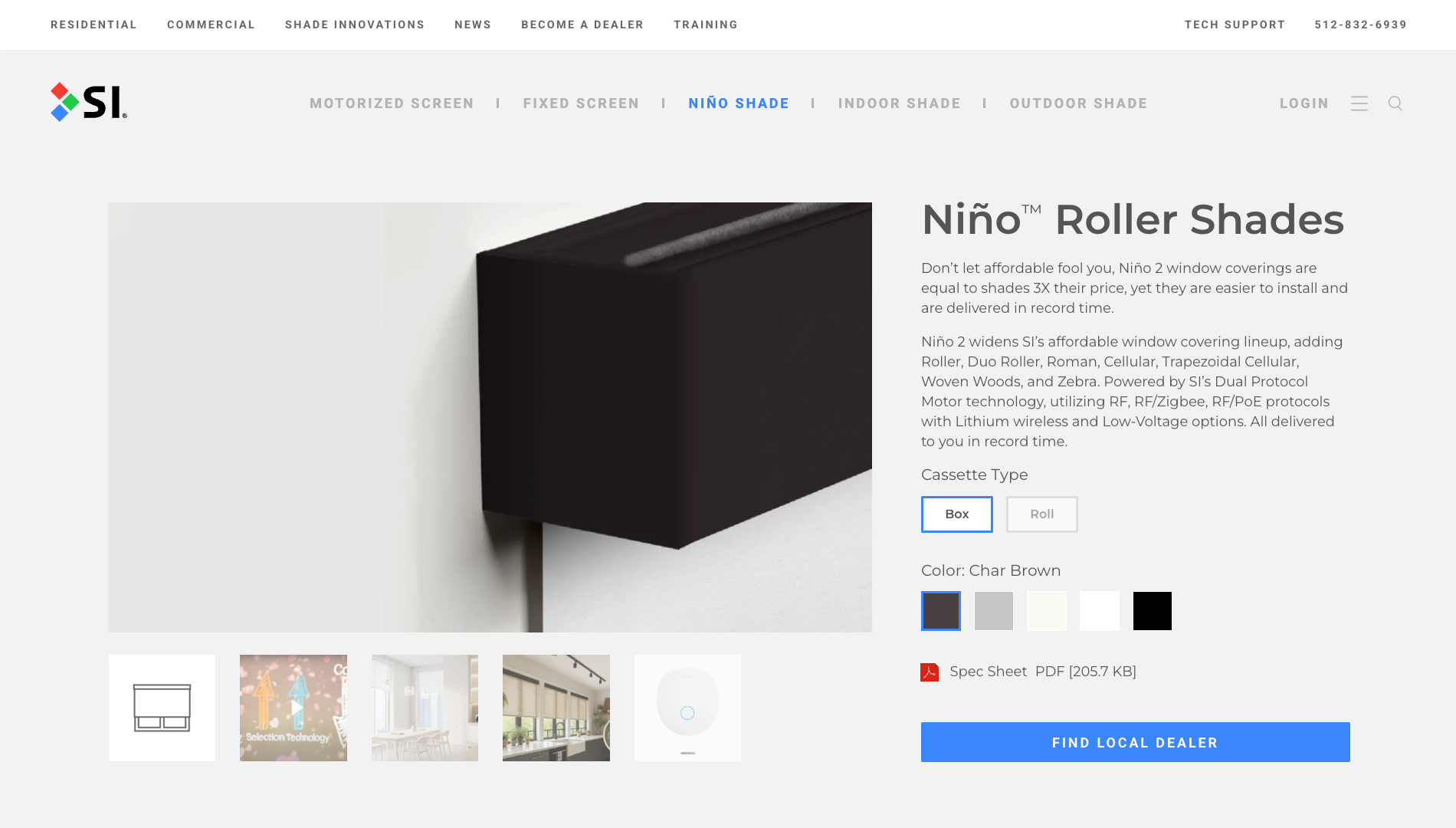
MY ROLE: In-House Senior WordPress Developer
- Architected WordPress multisite platform supporting multiple brands
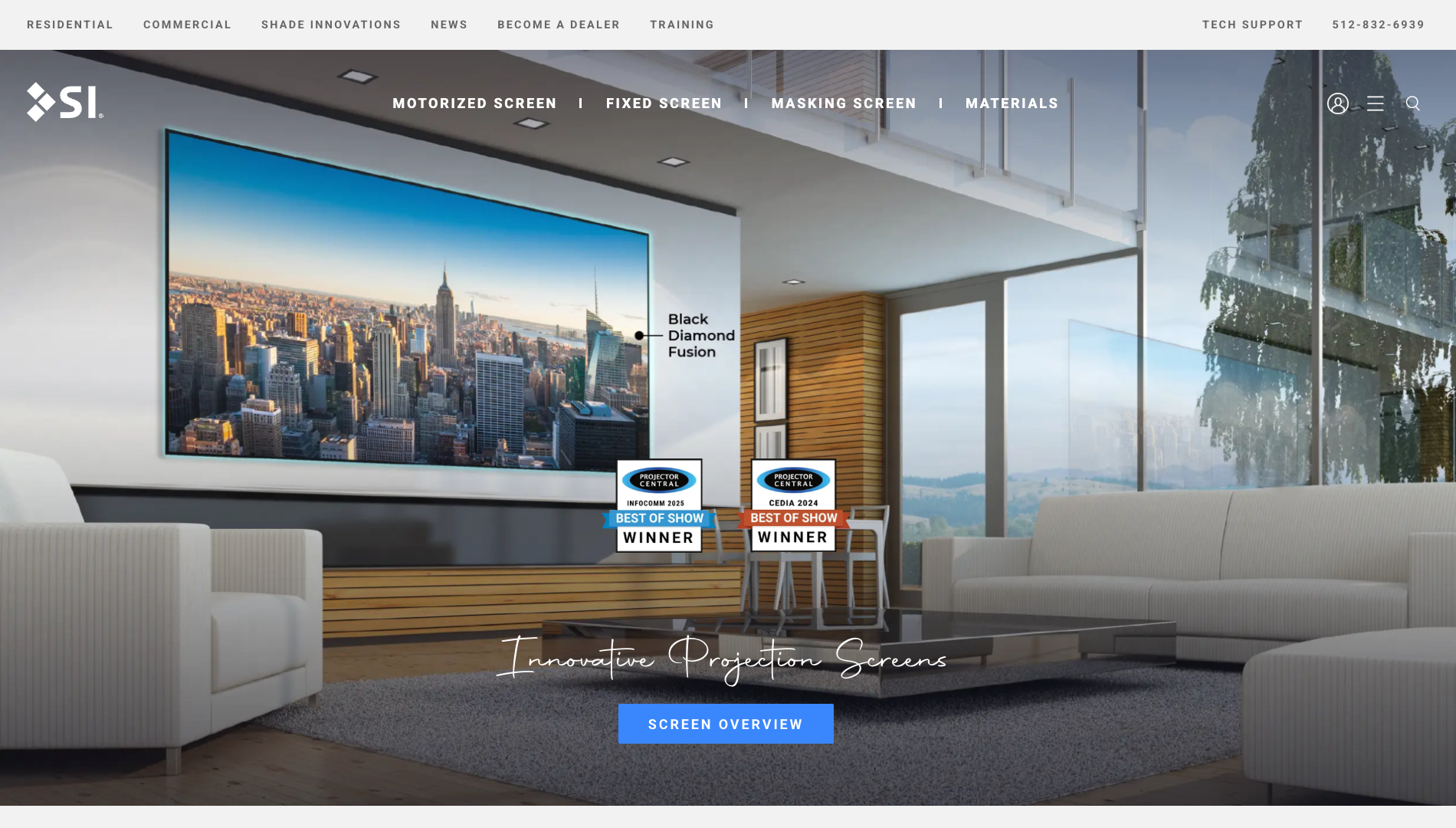
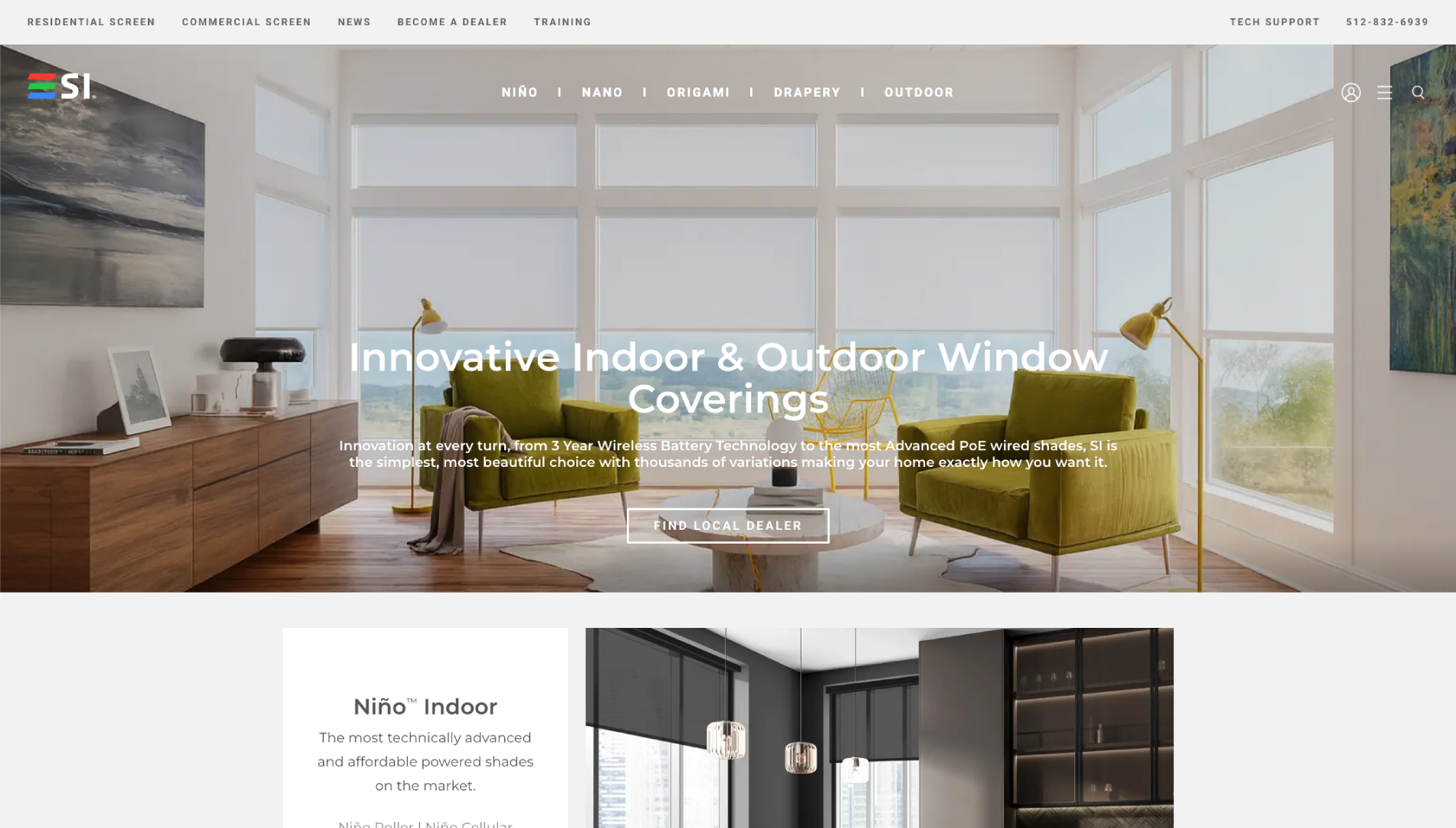
- Developed 5 separate websites for Residential, Commercial, Support, Drivers, and Shade Innovations brand
- Developed a custom responsive theme based on Avada
- Sites include 500+ pages, and 500+ posts
- Improved UI/UX
- Integrated separate theme for Blog, recreating plugins to integrate with Avada theme
- Created advanced custom post and page templates
- Built custom product-selection tools and calculators
- Implemented analytics and performance optimization
- Documented procedures for in-house marketing team, utilizing EOS methodology
- CSS3
- HTML5
- JavaScript
- jQuery
- PHP
- WordPress
- Custom theme
- Advanced customizations
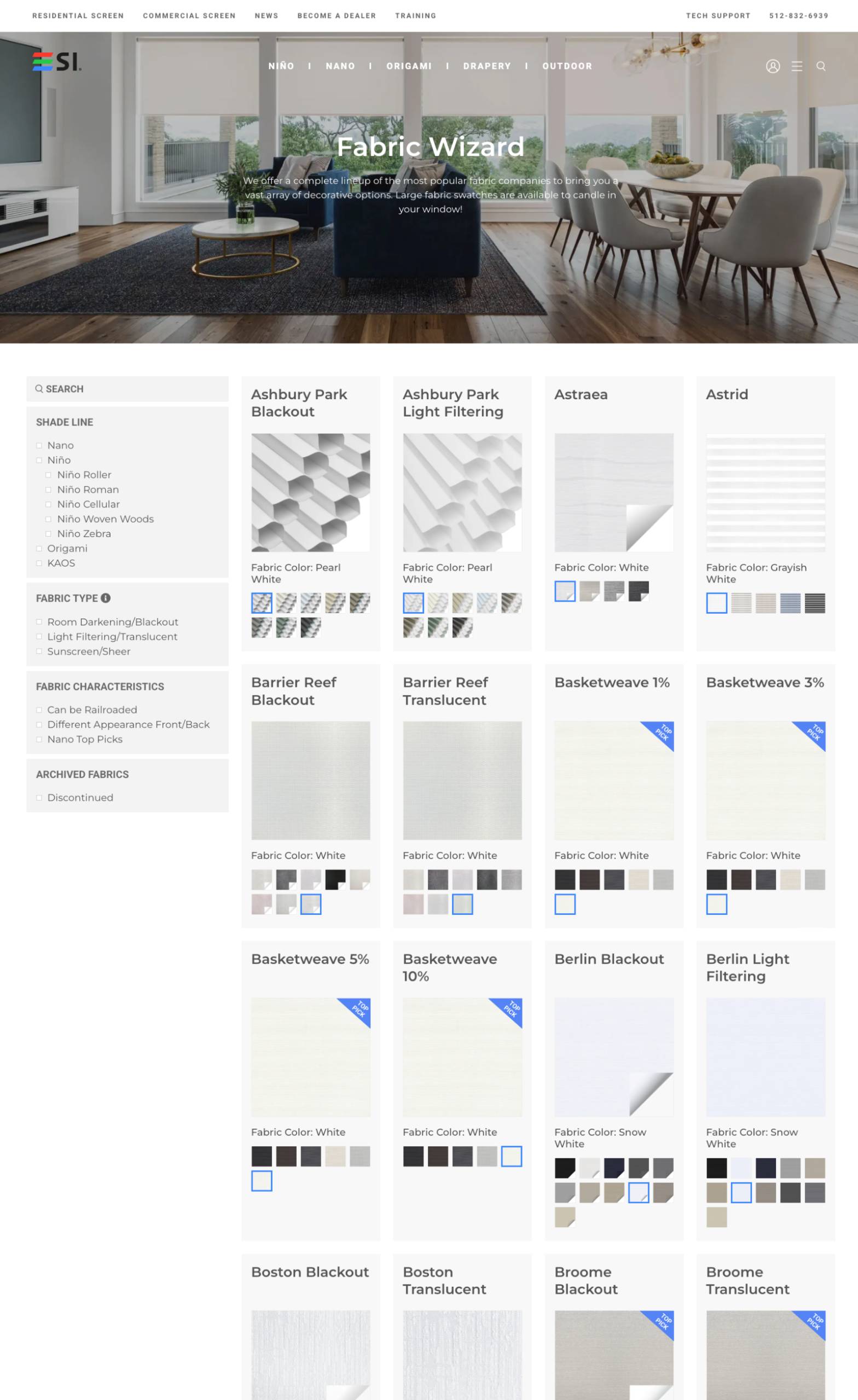
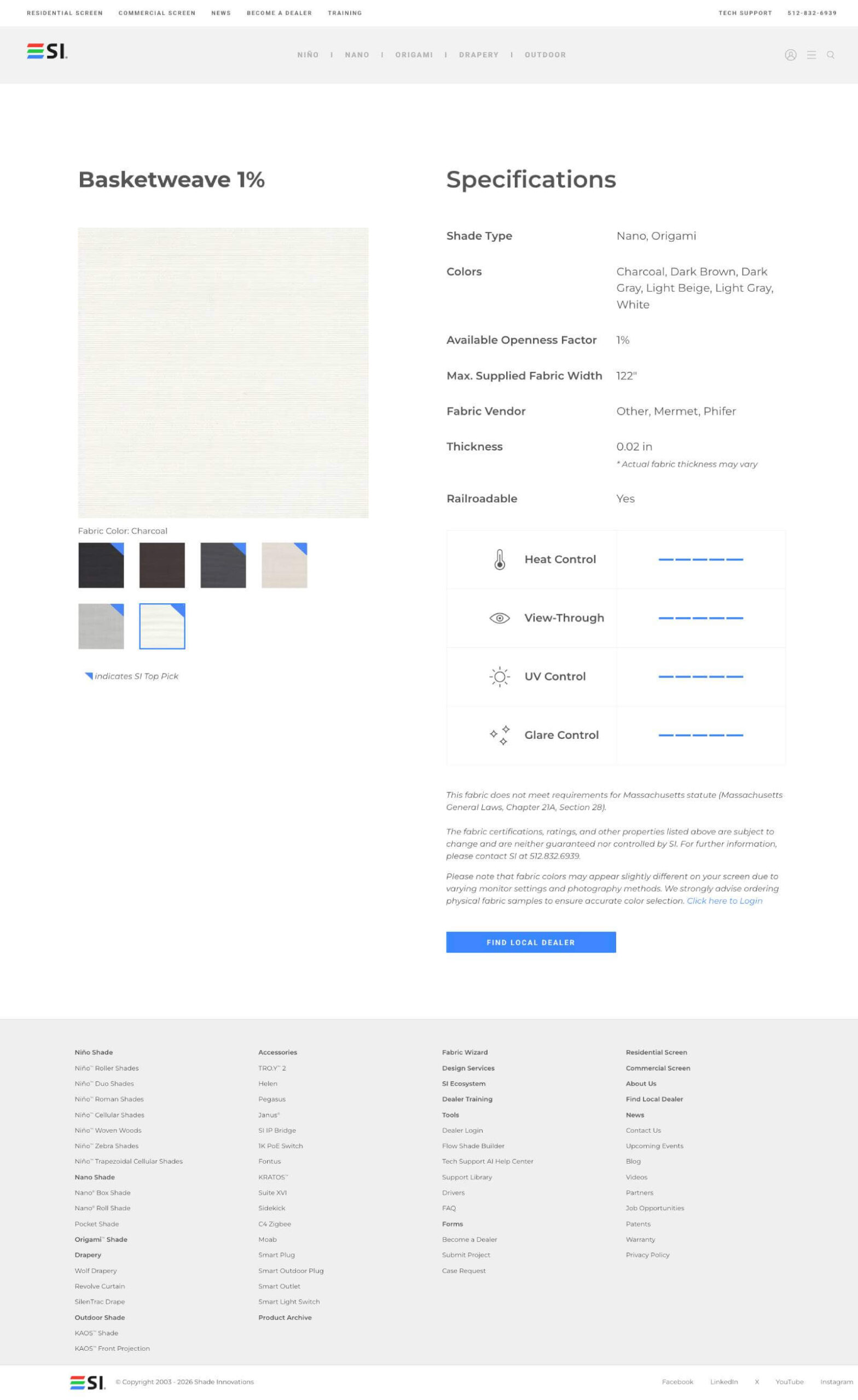
Fabric Wizard
The Fabric Wizard is a custom-built tool designed to help both sales teams and customers quickly explore and compare available fabric options. Users can filter fabrics by shade type and fabric style, with real-time visual swatch previews integrated directly into the browsing experience.
I implemented advanced theme customizations to support swatch previews within the filter results, making it easy to evaluate fabrics at a glance. Each fabric also features a highly customized single product page that include custom attributes—including graphic tables—to clearly communicate technical specifications and options.
The result is a more intuitive, visual, and efficient way to navigate a complex fabric catalog while supporting both customer decision-making and internal sales workflows.
Projection Screen Finder
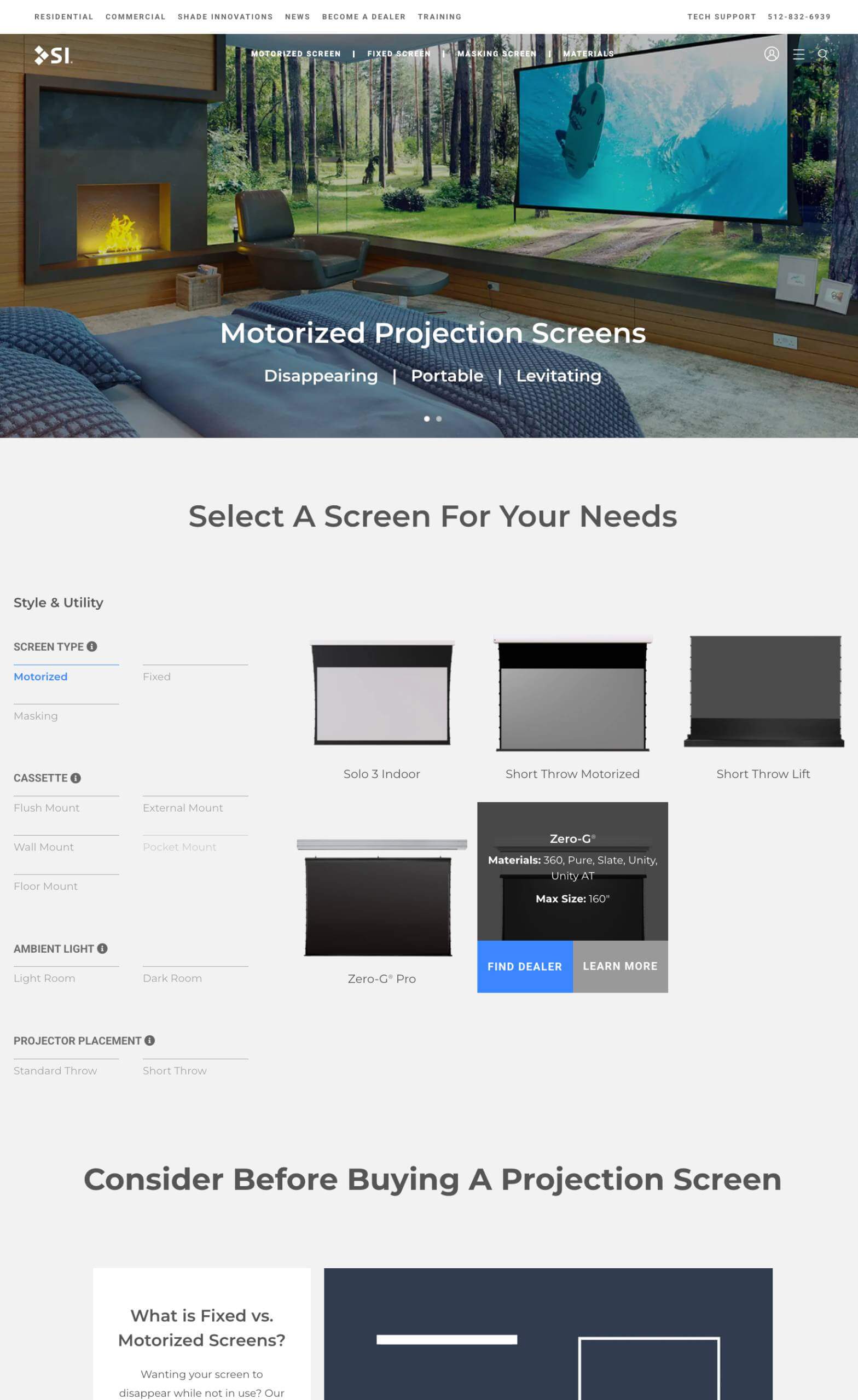
A custom-built product filtering tool designed to help customers quickly find the right projection screen based on key criteria such as screen form, mounting style, room lighting conditions, and projector type. The WordPress theme was extensively customized to surface critical screen specifications directly within the filtering experience, allowing users to compare options without friction.
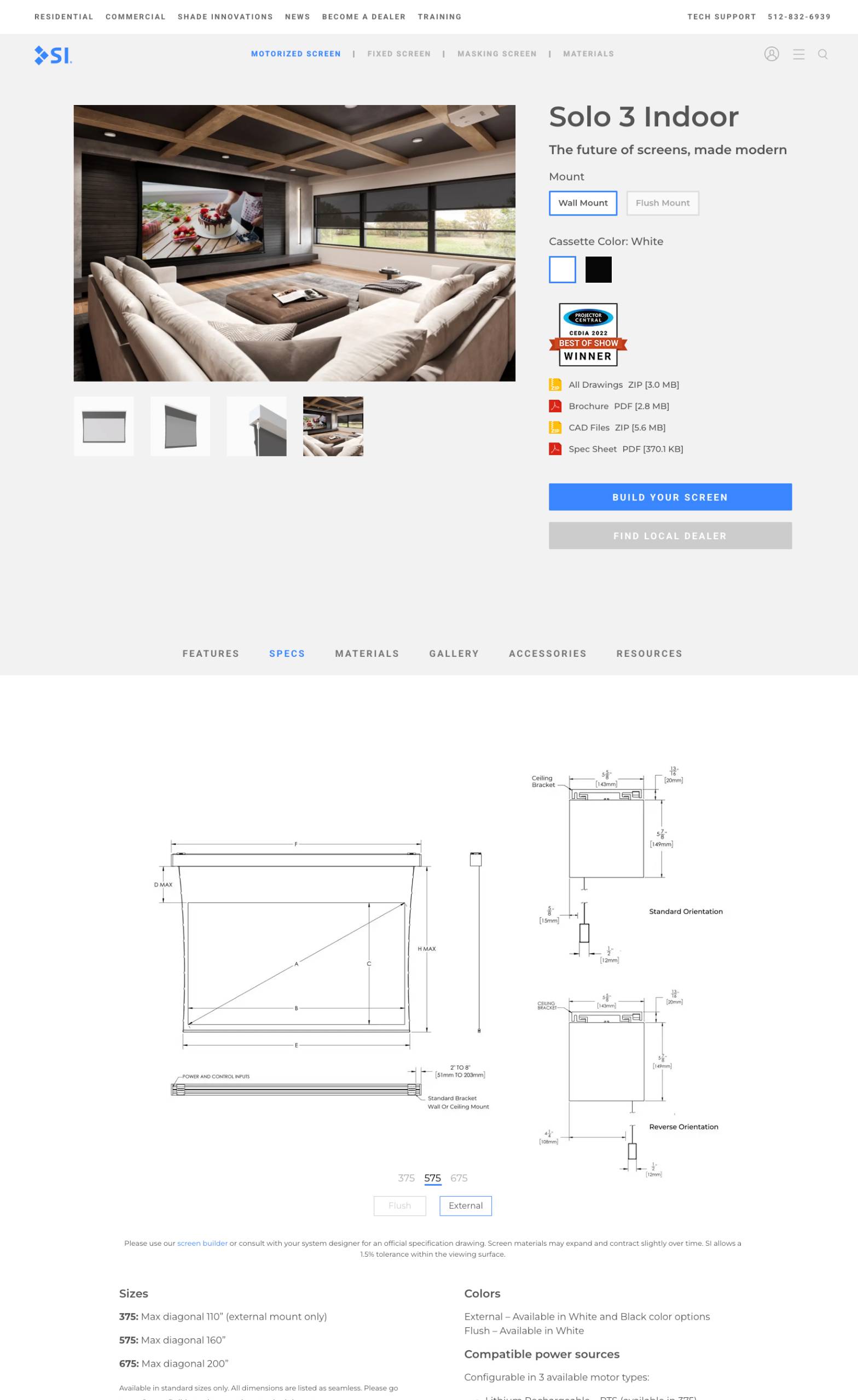
Each screen features a deeply customized single product page showcasing visual previews across different mounting configurations and color options. Additional enhancements include attribute-based accessory filtering and rich educational resources—such as detailed specification breakdowns and interactive diagrams—to help users confidently select the right solution.
Screen Material Wizard
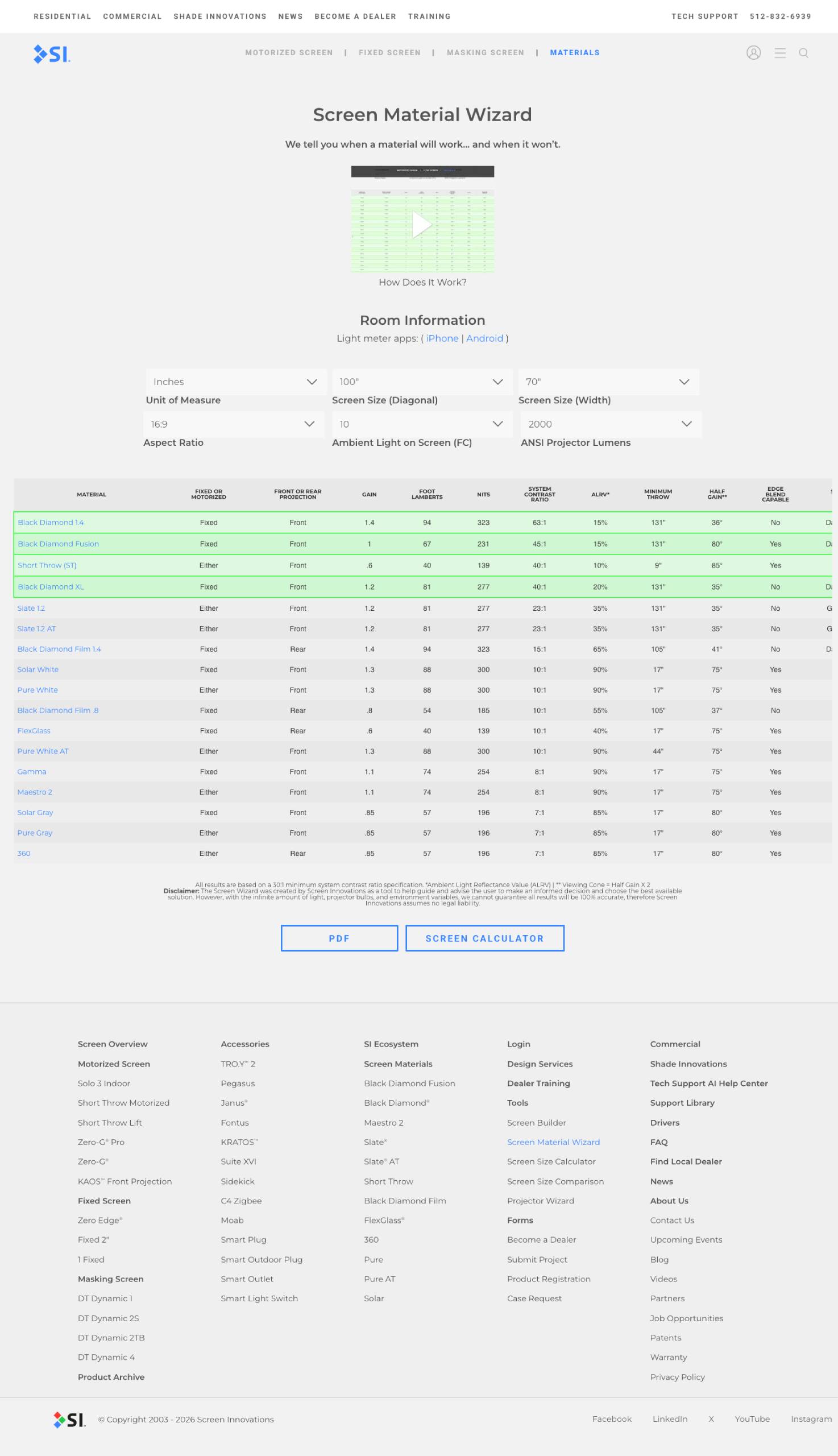
An interactive product-selection tool designed to guide customers and sales teams to the optimal projection screen material based on real-world viewing conditions. The wizard walks users through key variables such as room lighting, projector brightness, screen size, and viewing environment, then dynamically recommends compatible screen materials and performance characteristics. Custom database development was used to surface complex product data in an intuitive, decision-driven experience that simplifies a traditionally technical buying process.
Screen Size Comparison
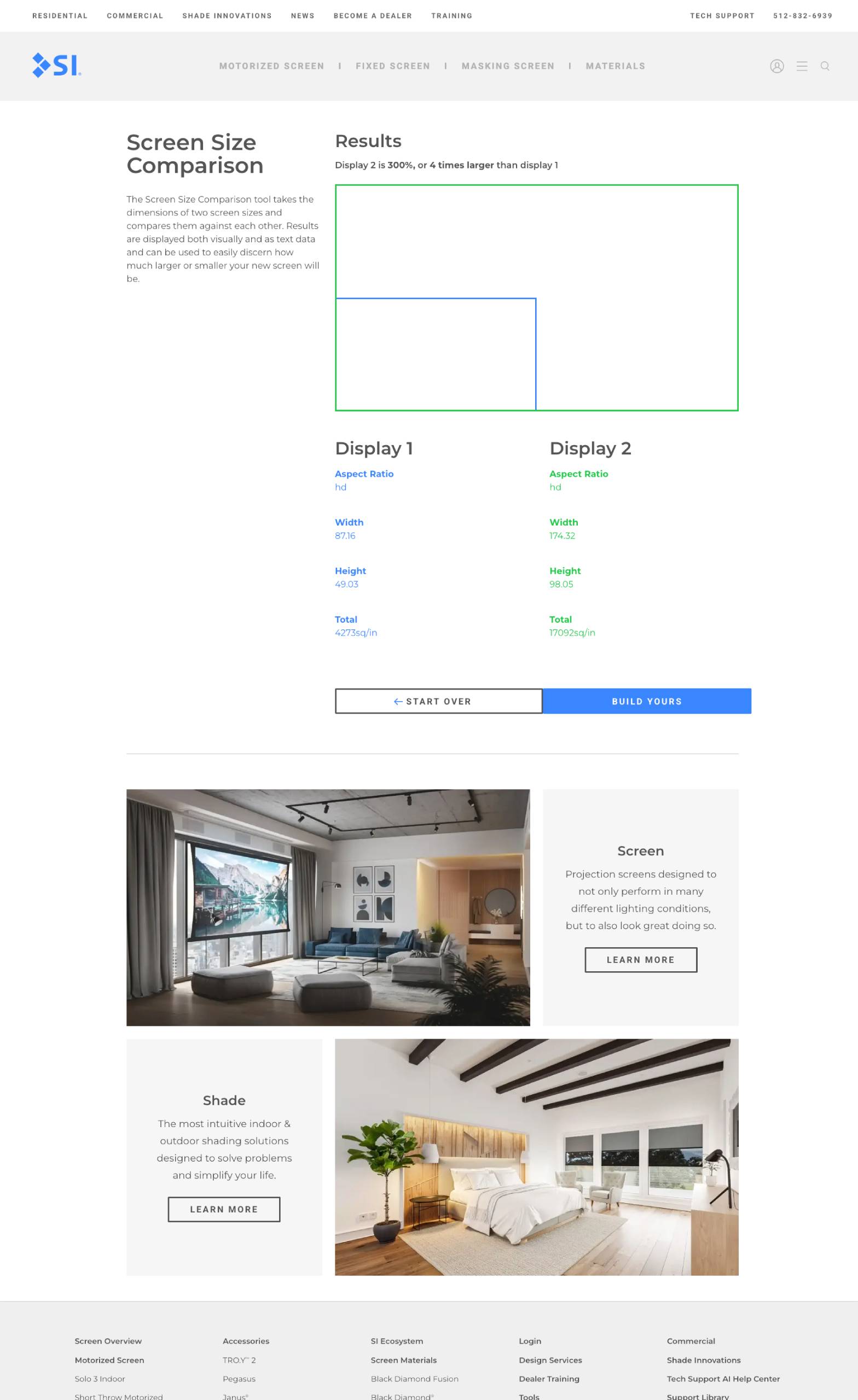
The Screen Size Comparison tool is an interactive utility that helps users directly compare two different projection screen sizes. By entering the dimensions and aspect ratios of two screens, the tool displays both visual and numerical comparisons so you can clearly see how much larger or smaller one screen is relative to the other. This makes it easier for homeowners, installers, and AV professionals to evaluate screen size options and make informed decisions when planning a home theater or media setup.
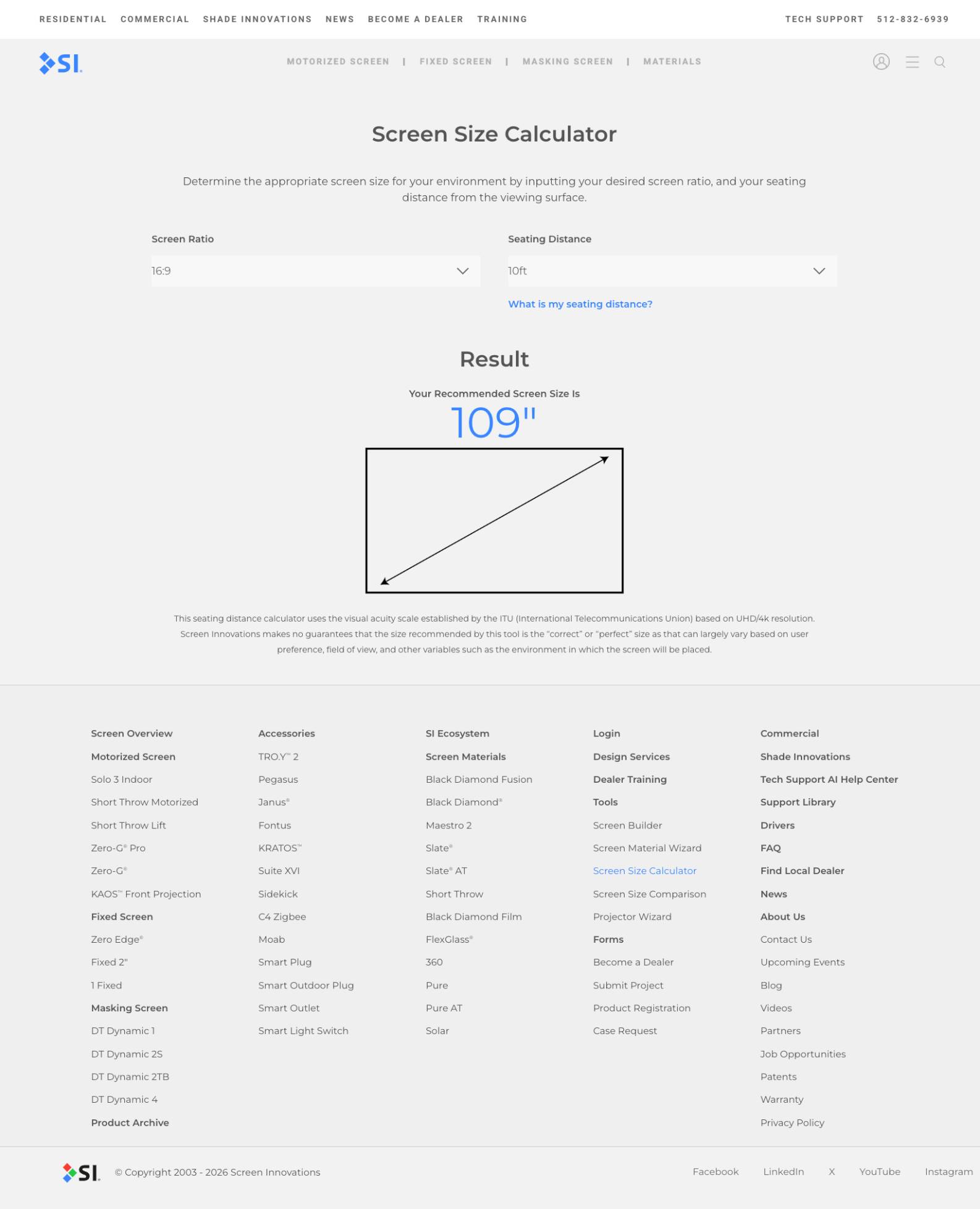
Screen Size Calculator
The Screen Size Calculator is an interactive web tool that helps users determine the ideal projection screen size for a given space. By entering a desired screen aspect ratio (such as 16:9 or 2.35:1) and the viewing distance from the screen to the seating position, the calculator outputs a recommended screen size tailored to that environment.
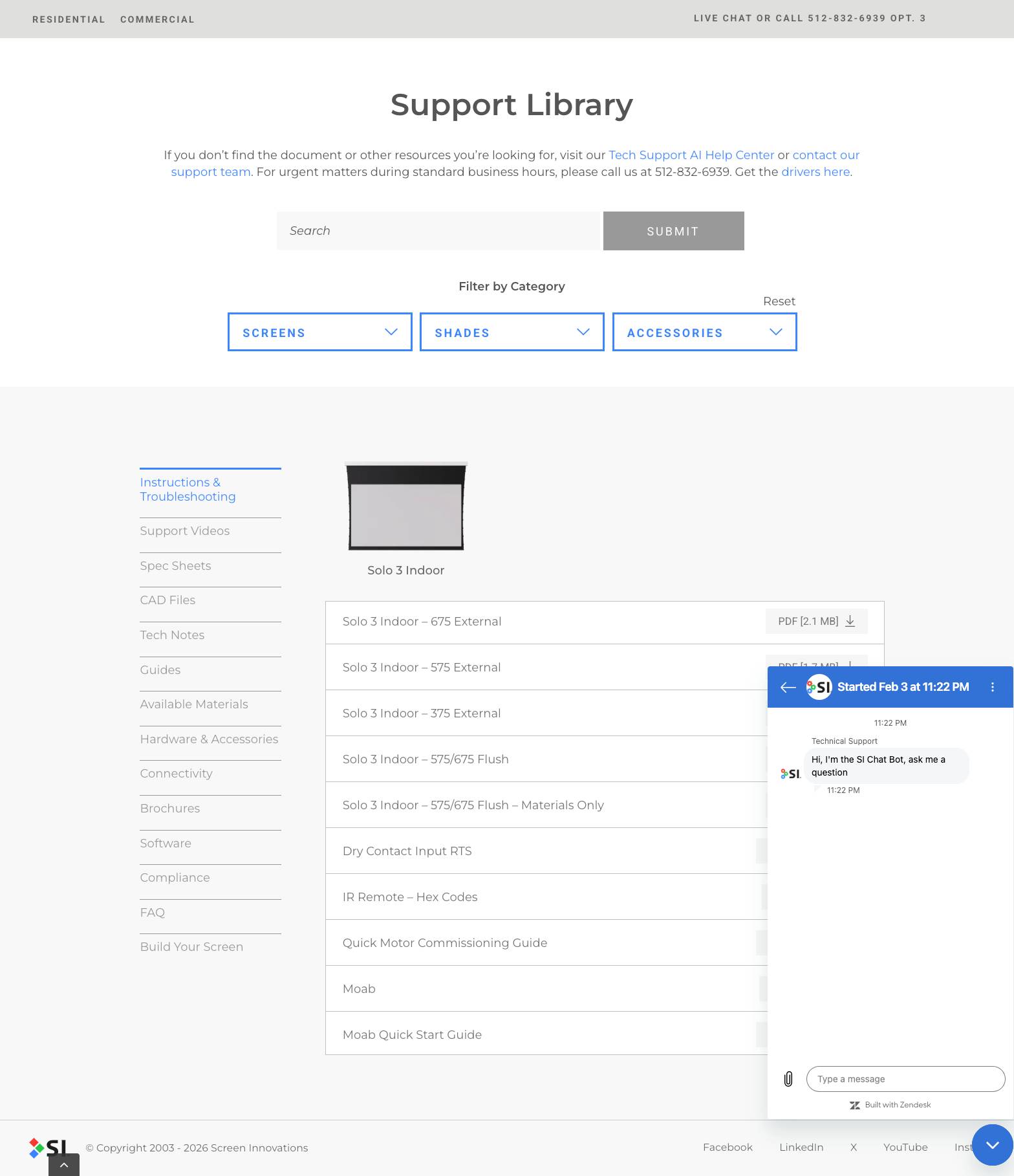
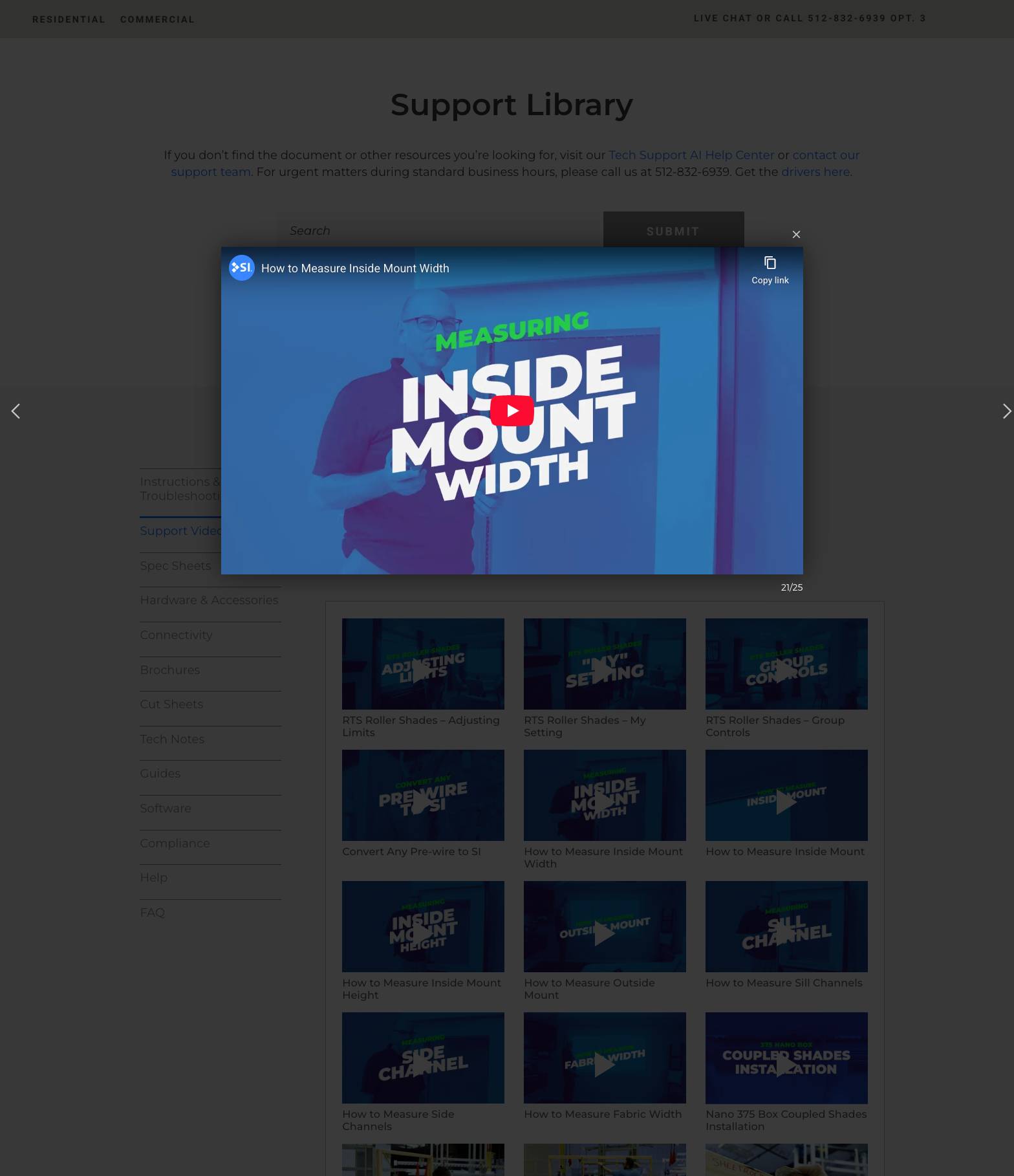
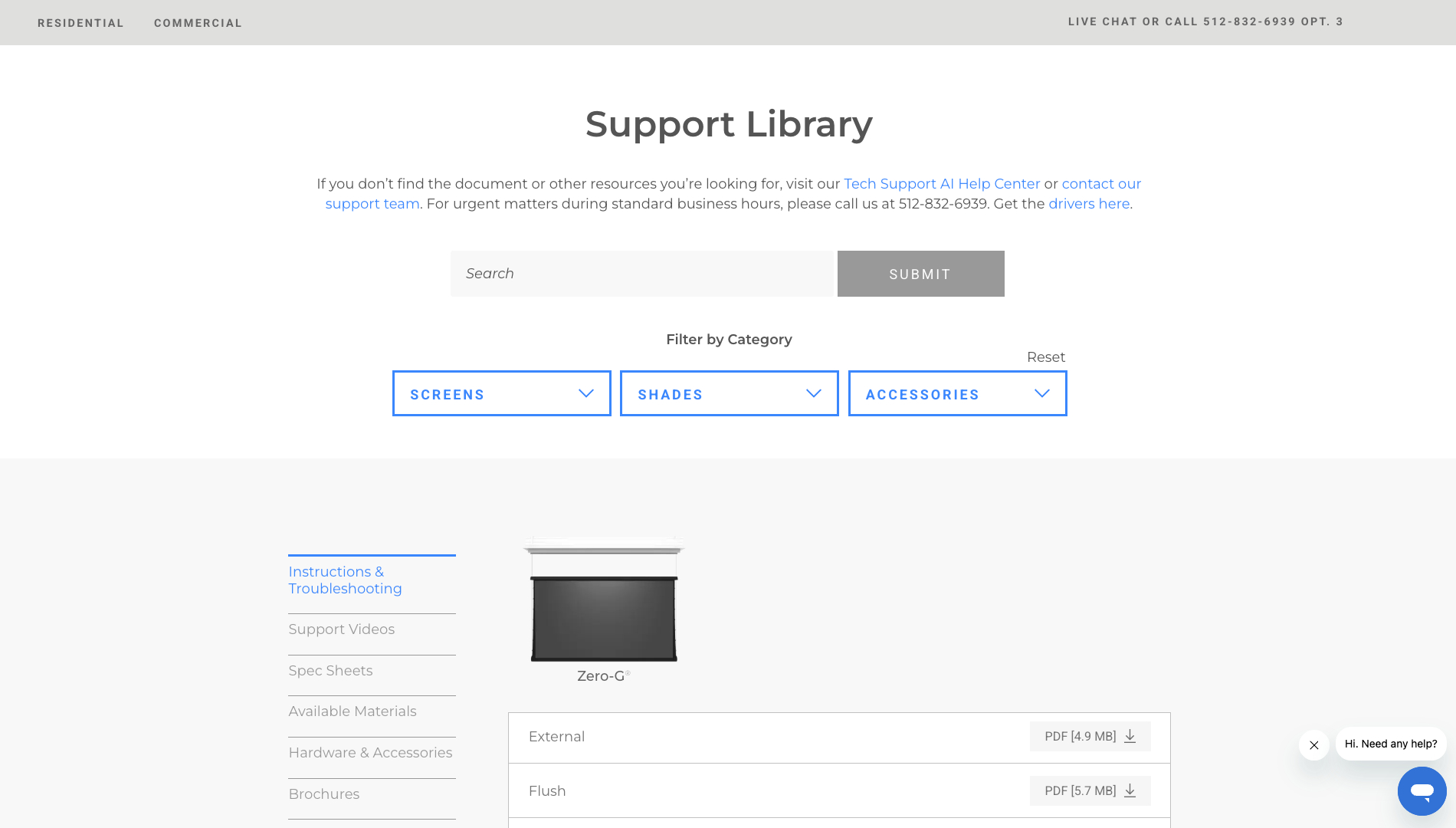
Support Library
Built a centralized support platform for Screen Innovations housing instructional guides, spec sheets, how-to videos, and technical resources across screens, shades, materials, and accessories. Implemented Zendesk live chat and an AI chatbot used by the in-house support team to reduce live support calls, improve response times, and increase productivity—while making critical information more accessible to installers in the field.